

M · Enterprise & Advanced Features
LiveData import and export
Validated imports and full export.
Live
Available in the app today. You can use this feature as soon as your farm is set up.
The problem
Growth breaks spreadsheets
- Each farm runs its own system.
- Permissions are 'everyone sees everything'.
- Other systems can't read your data safely.
How data import and export helps
Validated imports and full export.
It is part of Integrations & API, so what you record here is already linked to the rest of the farm — no second spreadsheet, no re-typing.
Key capabilities
What data import and export works with
Organisations and many farms
Roles enforced by the backend
Scoped partner API keys and offline sync
How it works
In four steps.
- 1Group farms under one organisation.
- 2Give each person the right role.
- 3Approve work through workflows.
- 4Connect other systems with scoped keys.
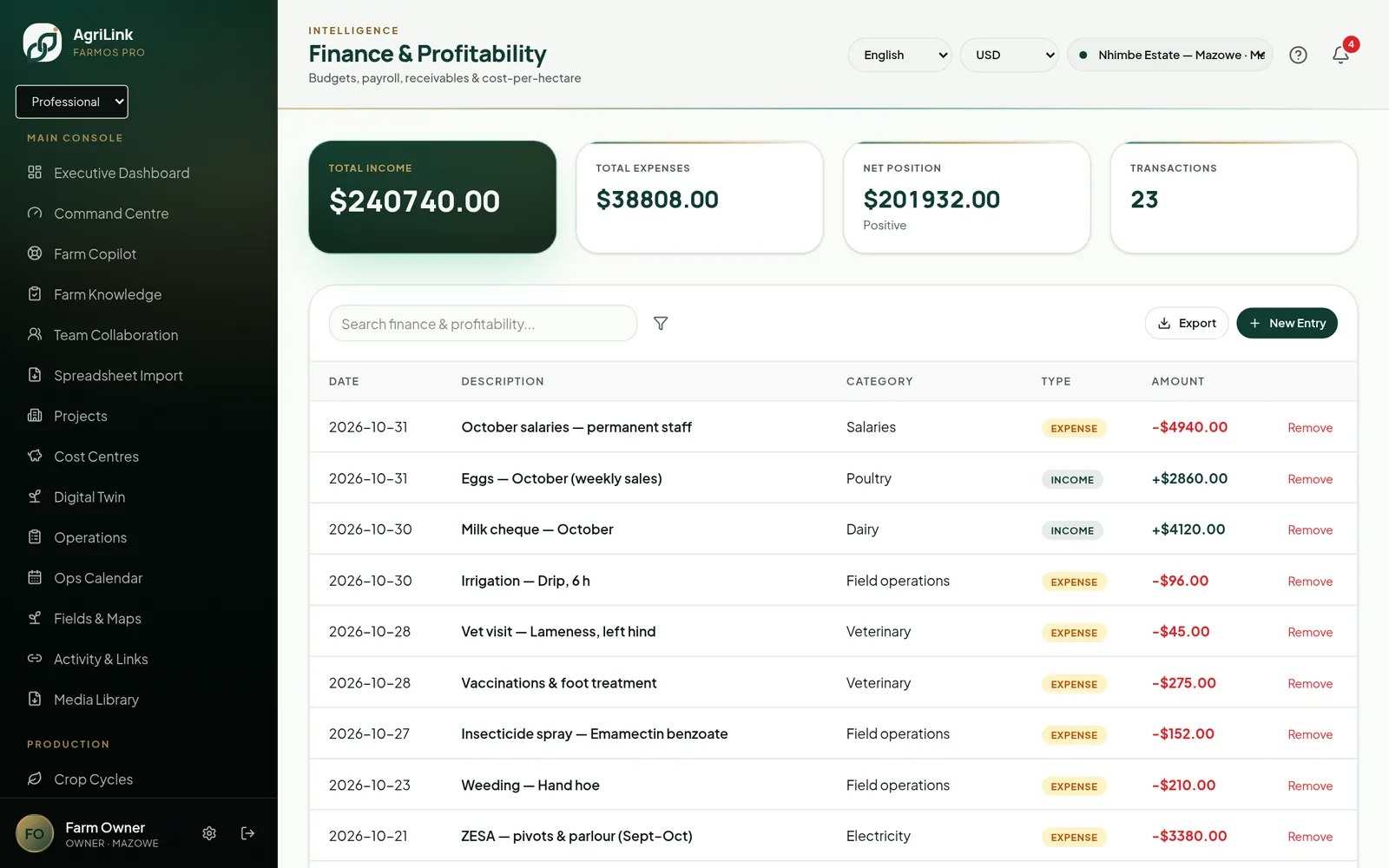
Real AgriLink screen · sample farm data
Connected features
More in Enterprise & Advanced Features
- Multi-farm dashboardsOverview across farms you manage.Live · limited
- Enterprise role management13 roles enforced by the backend.Live
- Approval workflowsApprovals for tasks, leave, purchases and payroll.Live
- Multi-organisation accessOrganisations with Super Admin console.Live
- Outgrower managementOutgrower schemes and settlements.Live
- Contractor managementContractors and scorecards.Live
13
roles enforced by the backend
scoped
partner API keys
offline
field records sync safely
Start using data import and export this week.
You can use this feature as soon as your farm is set up.