

M · Enterprise & Advanced Features
Live · limitedMulti-farm dashboards
Overview across farms you manage.
Works today, with known limits. The core works now; some parts are still being finished or need an outside service. Ask us what applies to your farm.
The problem
Growth breaks spreadsheets
- Each farm runs its own system.
- Permissions are 'everyone sees everything'.
- Other systems can't read your data safely.
How multi-farm dashboards helps
Overview across farms you manage.
It is part of Integrations & API, so what you record here is already linked to the rest of the farm — no second spreadsheet, no re-typing.
Key capabilities
What multi-farm dashboards works with
Organisations and many farms
Roles enforced by the backend
Scoped partner API keys and offline sync
How it works
In four steps.
- 1Group farms under one organisation.
- 2Give each person the right role.
- 3Approve work through workflows.
- 4Connect other systems with scoped keys.
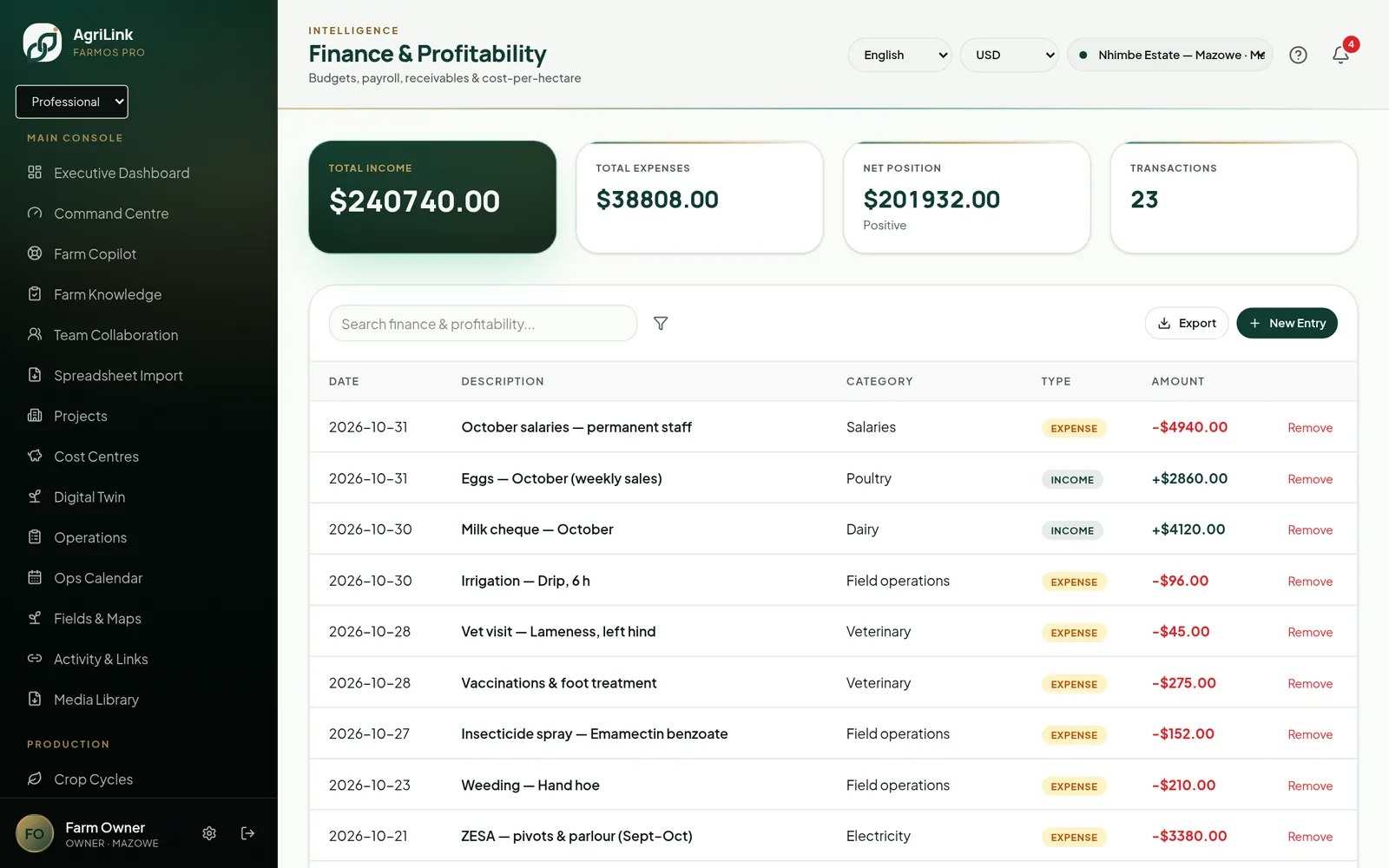
Real AgriLink screen · sample farm data
Connected features
More in Enterprise & Advanced Features
- Enterprise role management13 roles enforced by the backend.Live
- Approval workflowsApprovals for tasks, leave, purchases and payroll.Live
- Multi-organisation accessOrganisations with Super Admin console.Live
- Outgrower managementOutgrower schemes and settlements.Live
- Contractor managementContractors and scorecards.Live
- Custom reportingSaved views and exports.Live · limited
13
roles enforced by the backend
scoped
partner API keys
offline
field records sync safely
Start using multi-farm dashboards this week.
The core works now; some parts are still being finished or need an outside service. Ask us what applies to your farm.