

A · Farm Management & Records
LiveFarm documents
Private files and photos attached to records.
Live
Available in the app today. You can use this feature as soon as your farm is set up.
The problem
The farm lives in too many places
- Field details sit in a notebook, prices in WhatsApp, payroll on a calculator.
- When a manager leaves, the history leaves with them.
- Owners far away only hear what someone remembers to tell them.
How farm documents helps
Private files and photos attached to records.
It is part of Farm Management, so what you record here is already linked to the rest of the farm — no second spreadsheet, no re-typing.
Key capabilities
What farm documents works with
Every field, building and record belongs to one farm
Links to crops, animals, workers and money
Read-only and approver roles for owners
How it works
In four steps.
- 1Create the farm and its fields.
- 2Invite the team with the right roles.
- 3Record work as it happens.
- 4Open the dashboard to see it all connected.
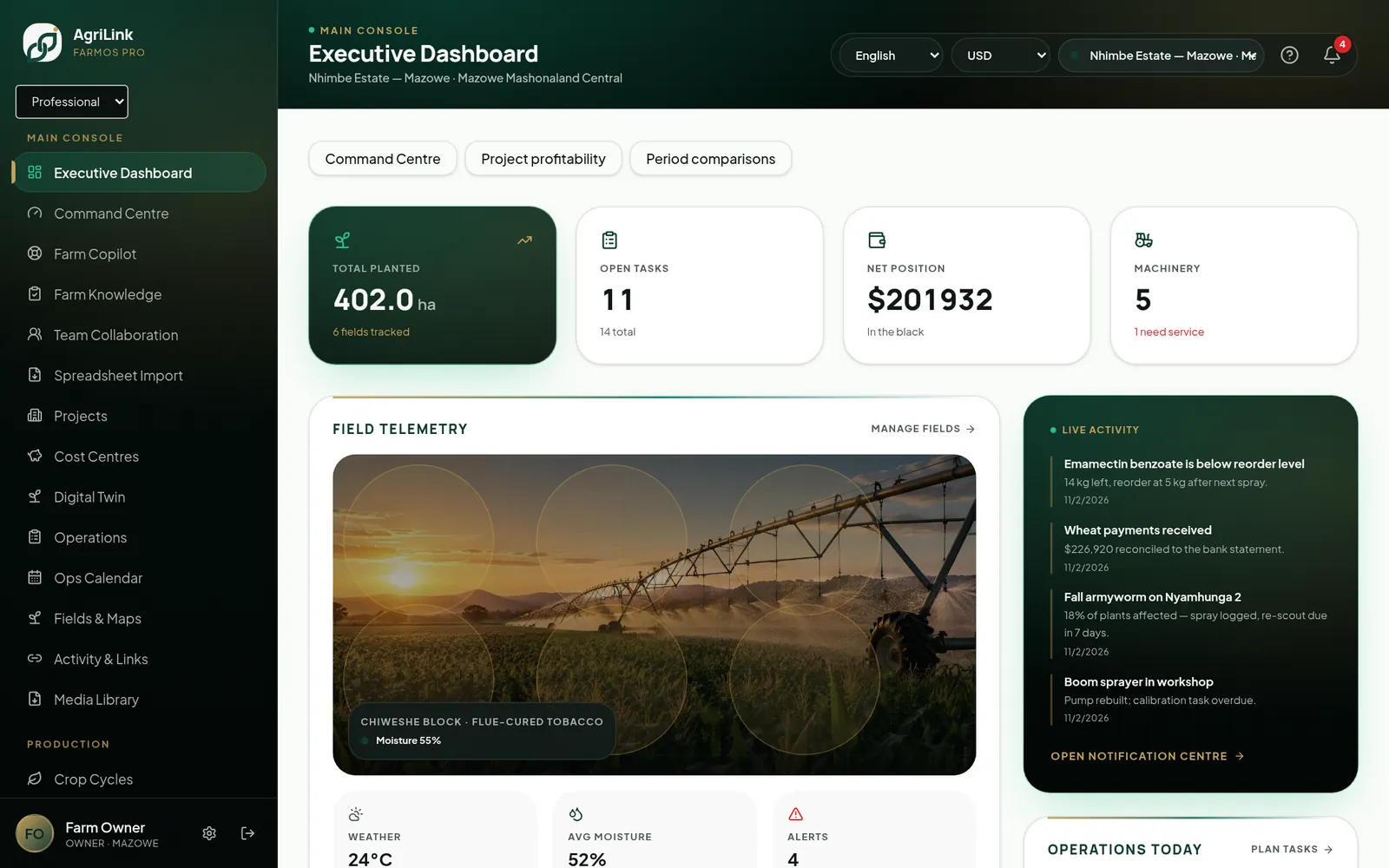
Real AgriLink screen · sample farm data
Connected features
More in Farm Management & Records
- Farm profilesLocation, region, size and enterprises for every farm.Live
- Multi-farm managementSwitch between farms; each keeps its own records.Live
- Field registryFields and blocks with soil, water and irrigation data.Live
- Field mappingDraw field boundaries and calculate area on the map.Live · limited
- Farm infrastructureBuildings, pumps, fences and water points.Live
- Activity historyOne timeline of activity across modules.Live
1
record of the whole farm
0
re-typing between modules
24/7
owner visibility
Start using farm documents this week.
You can use this feature as soon as your farm is set up.